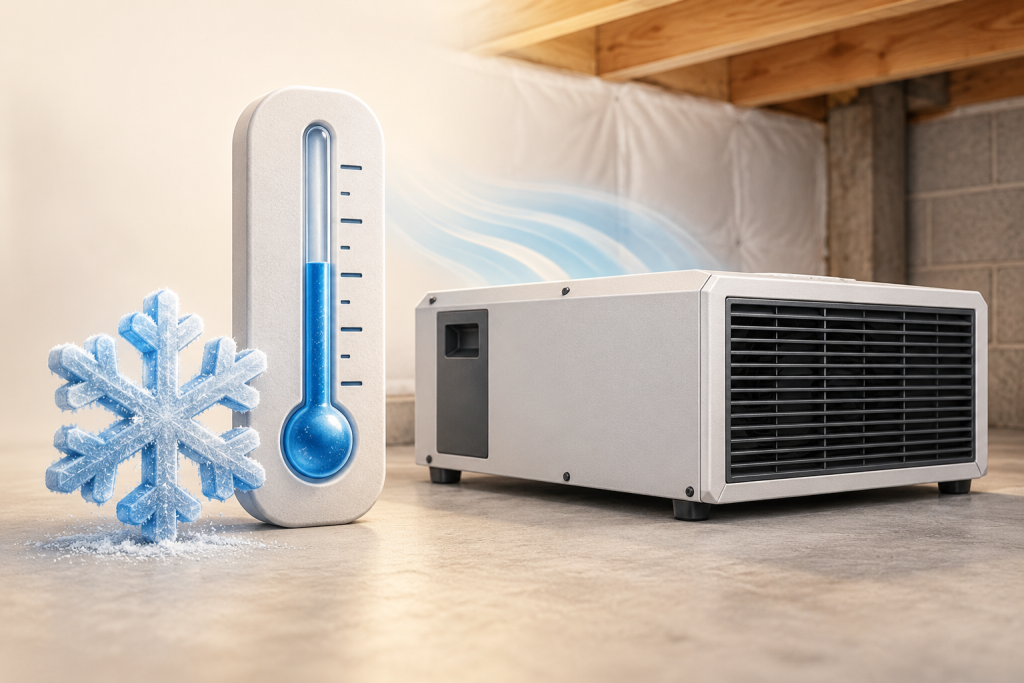
A cold basement can reduce a compressor dehumidifier’s water collection without proving that it has failed. Compare temperature, humidity and operating status before judging it by the amount in the bucket. A machine permitted to operate at a low temperature is not necessarily rated to remove its headline number of pints there.
Two different effects can look like weak drying
First, a colder test can yield a lower removal rating. ENERGY STAR’s test explanation describes the change from 80°F to 65°F for portable models and why the reported capacity can fall. That does not provide a universal conversion for your machine or a prediction for today’s basement.
Second, frost can interrupt moisture removal. ENERGY STAR’s buying guidance flags operation below 65°F as a reason to check low-temperature suitability. That is a screening point, not a universal shutdown temperature. Follow the actual unit’s operating range and defrost instructions.
| What you see | What it establishes | What it does not establish |
|---|---|---|
| Less water than during warm weather | The collection rate changed | A failed compressor or inadequate capacity by itself |
| A documented defrost indication | The controller has entered that operating state | That every long pause or persistent ice buildup is normal |
| Room humidity remains controlled | The unit is meeting the observed humidity goal | That its full rated capacity is being delivered |
Read the status before changing the target
The Shield 85P manual, PDF pages 8 and 11 identifies a DEFROST status and describes returning to the previous operating state afterward. This is an exact-model example: another machine may use a different indicator or procedure. Lowering the humidity setting does not turn defrost into active moisture removal.
If the basement is already at the intended humidity, an emptying schedule is a poor performance target. If humidity stays high, record the room temperature and whether the display indicates defrost, standby or an error. Check the manual’s allowed range before continuing; do not keep restarting a unit to defeat a temperature protection state.
Make the next comparison useful
- Record temperature and RH at the same location, away from the discharge stream.
- Write down the mode, target and displayed status alongside the collection observation.
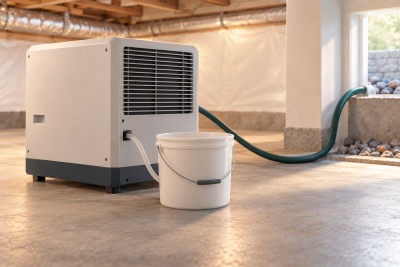
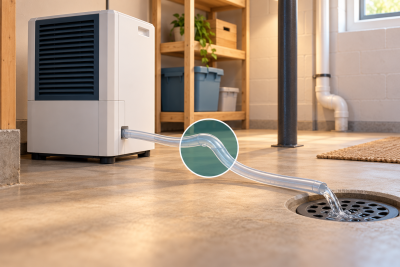
- Note whether water is going to a hose rather than the bucket.
- Compare observations under similar conditions instead of comparing a cold day directly with a warm, wet one.
These notes help separate changed conditions from a machine that needs service. Persistent icing, a fault indication or poor results inside the documented operating conditions warrants the manufacturer’s troubleshooting process. The no-water diagnostic sequence starts with external checks rather than opening the refrigeration circuit.
Ask the seller two different cold-room questions
- Is operation permitted at my room temperature?
- Request the exact operating range and defrost instructions.
- How much water was measured at that temperature?
- Request a performance table with the test conditions. The minimum operating temperature is not that measurement.